Canvas Quick Start
Learn how to navigate the canvas, use the minimap, add nodes, and connect them into workflows.

Node Types Explained
A complete guide to every node type on the canvas and what each one is used for.

Node List Navigation
Use the node list to search, filter, rename, and locate nodes in large multi-step canvases.

Keyboard Shortcuts Reference
A complete list of keyboard shortcuts to speed up your workflow on the canvas.
Node Editing Essentials
Learn how to select, move, copy, delete, and organize nodes efficiently on the canvas.
Prompt Input Panel Guide
How to use the rich text prompt editor, @ mention references, and reference ordering on the canvas.
Prompt Mentions
Type @ inside the prompt box to insert numbered references and personal assets as structured mention tokens.

Undo and Redo — Snapshot History
How the canvas undo system works, what it tracks, and how to use it effectively.

History Browser
Review generated image, video, and audio results by project, then reopen or reuse them without leaving the canvas.
Node Preview & Reuse
Open a node result in a larger preview, inspect the prompt and parameters, then download or copy the details for reuse.

Aspect Ratio Lock — Canvas-Level Default
Set a default aspect ratio at the canvas level and lock it for all video generations.

Character Compliance — Portrait Consistency Check
Verify generated characters match an approved reference portrait for brand and campaign consistency.

Virtual Final Cut — Sequence Clip Preview
Combine multiple video clips into a sequential preview that plays one after another.
Director Workbench: Camera Blocking, Capture Preview, and Send Back
Use the Director 3D node to block actors, preview cameras, review saved frames, and confirm destructive actions before moving references back to the main canvas.
Video Parameters — Resolution, Duration, Model & More
Configure video generation settings including resolution, duration, audio, model variant, and advanced options.
High Resolution Upscale
Upscale your images 2x or 4x with AI-powered detail enhancement.
Inpaint
Paint over areas of an image to regenerate them with new AI-generated content.

Erase
Quickly brush away unwanted content and let AI fill the gap automatically.
Create Nodes by Uploading Files
Upload a file from the Add Node menu, and the system automatically creates the matching node type.
Batch Download Resources
Select multiple nodes on the canvas and download all their resources as a single ZIP file.
Outpainting
Expand your image beyond its original borders with AI-generated content.

Background Cutout
Remove image backgrounds with one click and generate transparent PNGs.

Change Angle
Transform image perspective using 3D camera angle controls powered by AI.

Relight
Adjust lighting direction, color temperature, and intensity with real-time 3D preview.
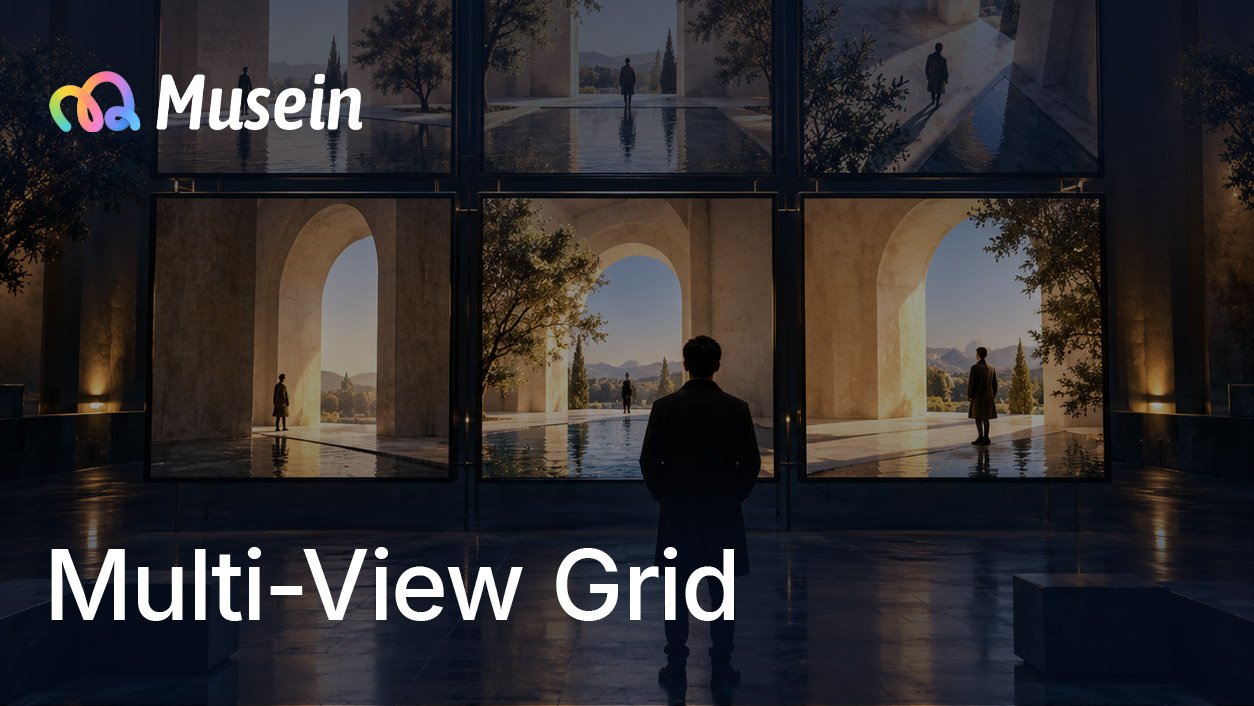
Multi-View Grid
Generate a 3x3 storyboard grid with varied camera angles of the same scene.
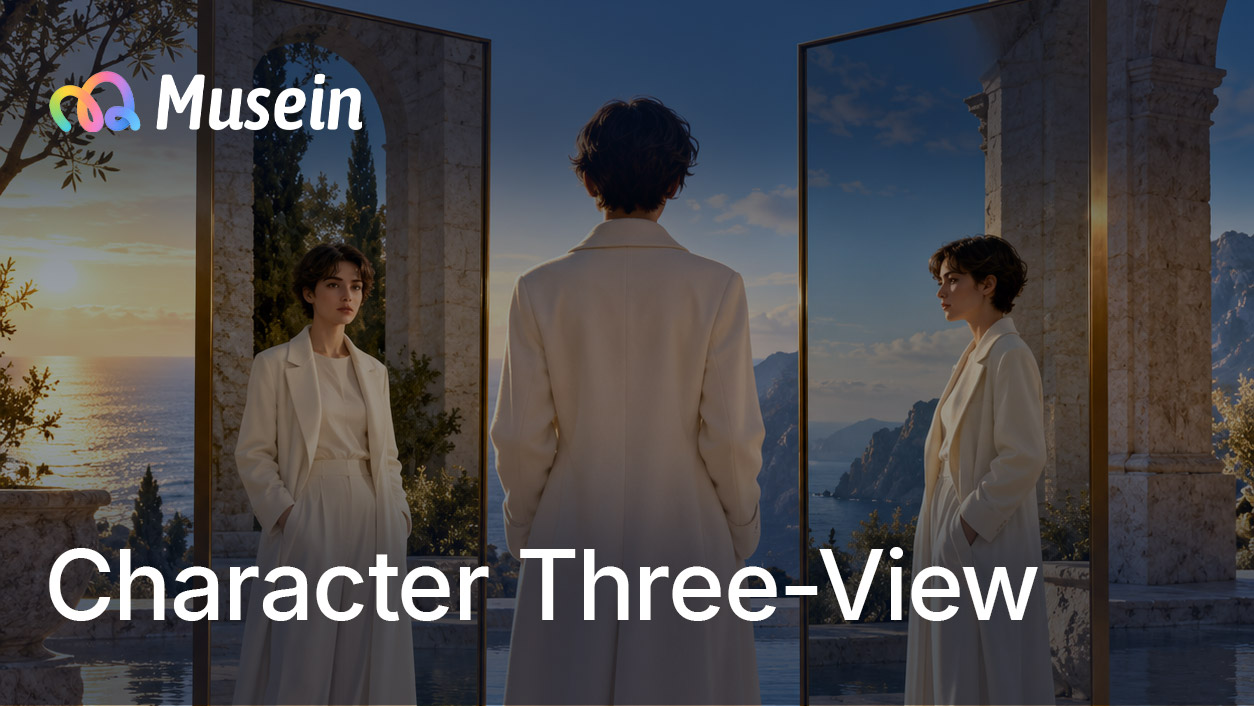
Character Three-View
Generate front, side, and back views of a character with consistent style.
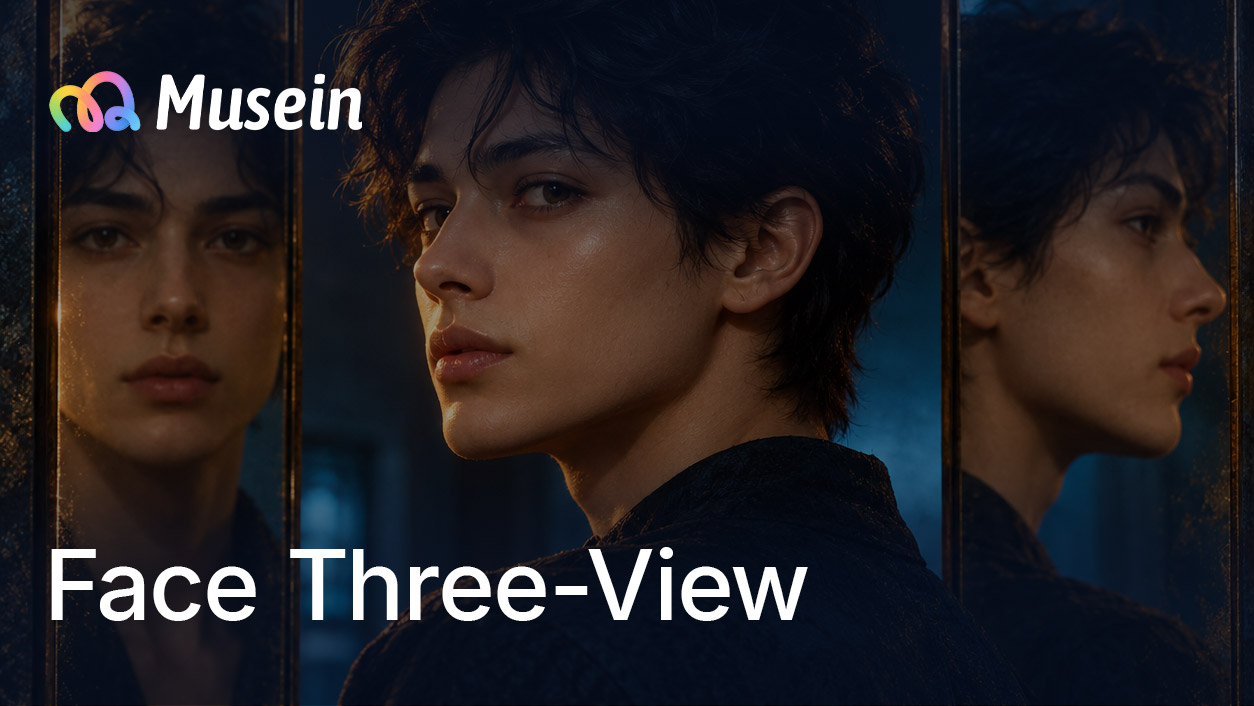
Face Three-View
Generate front, side, and back views of a character's face with consistent style.
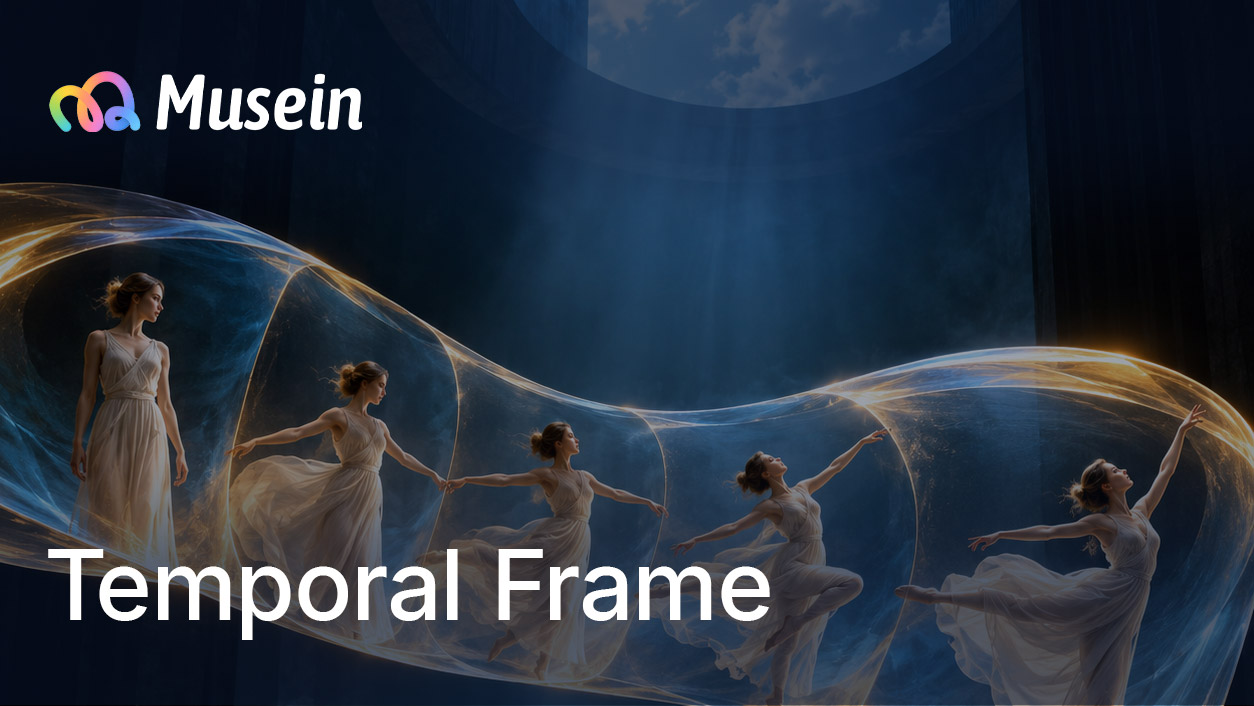
Temporal Frame
Generate consistent video frames before or after a keyframe for animation pipelines.
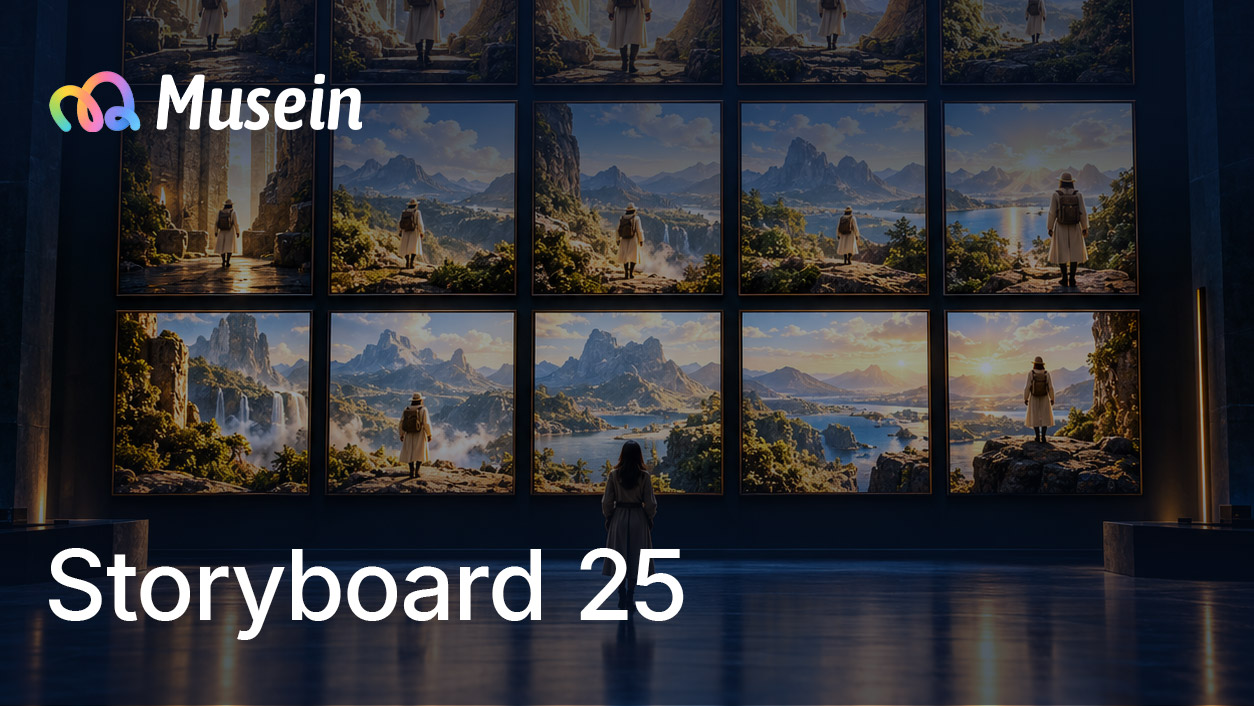
Storyboard 25
Generate a 5x5 movie storyboard grid with consistent characters and mood.

Cinematic Relight
Apply auto color grading presets to achieve a one-click cinematic look.

Panorama
Extend the current scene image into a complete panoramic environment of the same location for immersive scene work and environment reference.
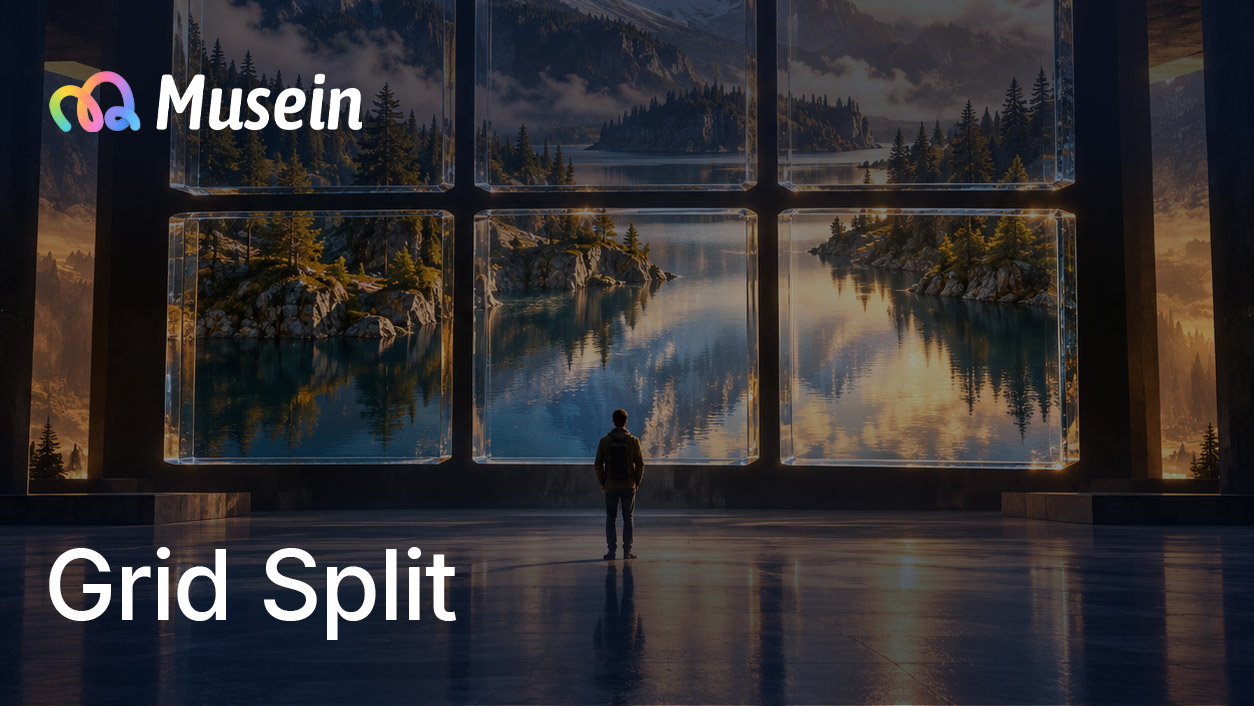
Grid Split
Split an image into a grid of sub-images for storyboard or comic layouts.

Rotate & Flip
Rotate and mirror images on the canvas with a live preview before applying.
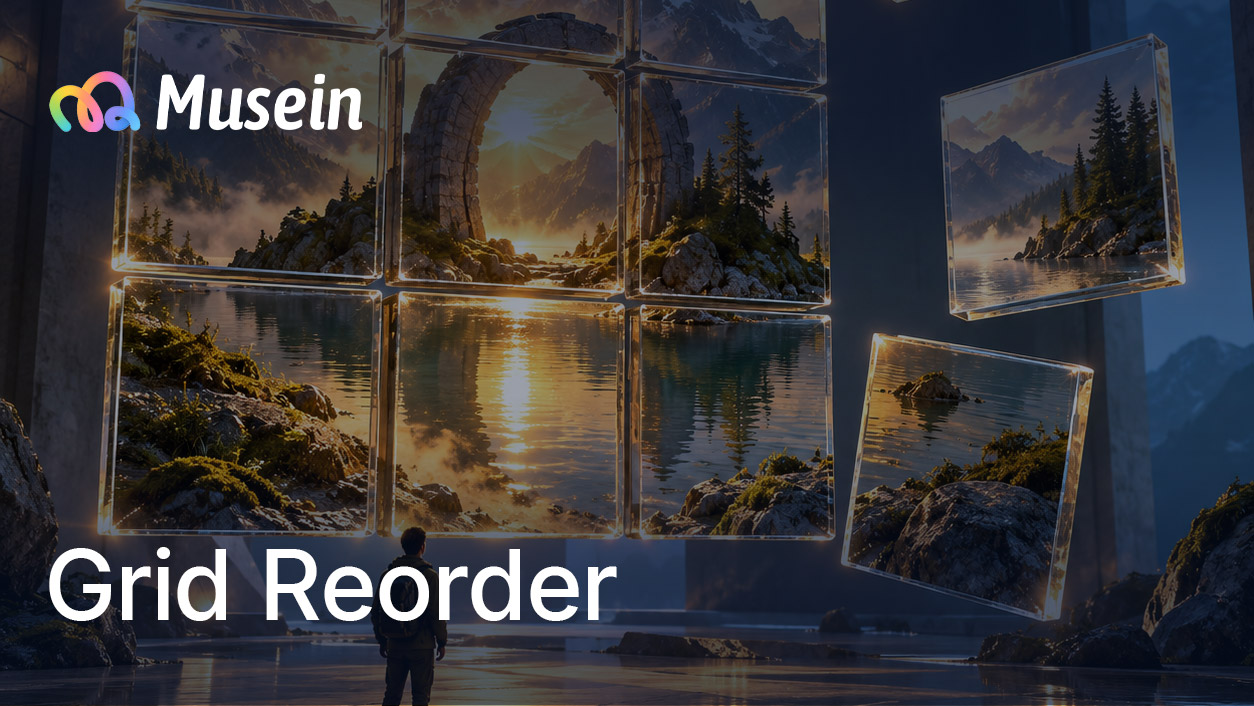
Grid Reorder
Rearrange image cells by swapping their positions in the grid.

AI Copilot: How the Right-Side Chat Panel Drives Canvas Work
Use the real ChatPanel preview to understand how Copilot and Video Agent fit into canvas creation.
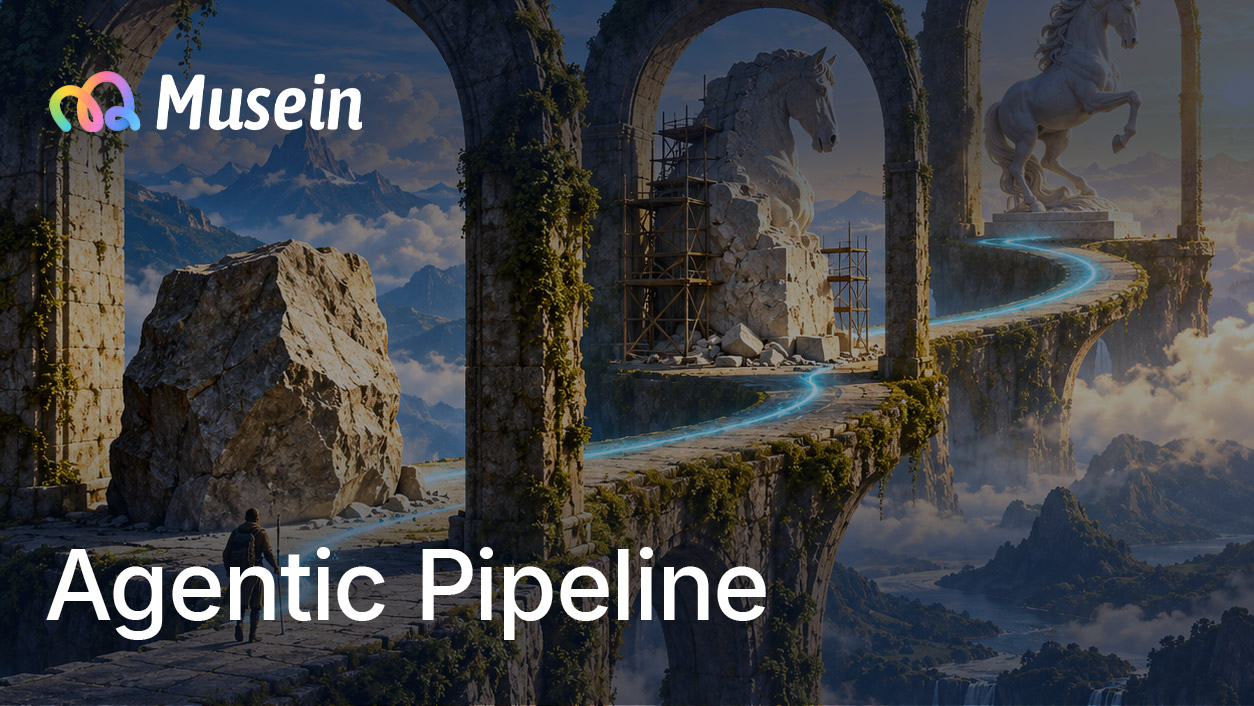
Agentic Pipeline: Automated Multi-Step Generation
Let AI plan and execute multi-step workflows with stage-by-stage review.

Batch Confirmation: Review Multiple Generations at Once
When multiple nodes generate simultaneously, review, approve, or reject them all in one place.

Team Collaboration
Create teams, switch between team workspaces, manage team points, and use sharing plus ownership transfer for collaboration handoff.

Multi-Canvas Management
Create, organize, and switch between multiple canvases in a single project.

Lens Combo: Professional Camera Control
Master camera body, lens, focal length, and aperture controls for film-making level shot management.

Style Selection
Browse and apply visual style presets for consistent image and video output.

Model Parameters & Dynamic Controls
Configure model-specific parameters with a dynamic UI that adapts to the selected model.
Node Auto Layout (ELK)
One-click canvas organization using the ELK layout engine. Auto-arrange connected nodes into clean pipelines.
Advanced Canvas Operations
Speed up complex workflows with multi-select actions, batch connections, and faster downstream node creation.

Alignment Guides
Show horizontal and vertical guides while dragging, then snap a node to nearby edges or centers when alignment is close enough.
Asset Management
Create, browse, and reuse assets across canvases. Organize your library by type, project, and date.
Asset Library Workflow
Organize reusable results into private or team folders, search quickly, and send saved assets back onto the canvas.
Share Canvas
Share canvases with teammates via links, publish as templates, or transfer ownership.

Canvas Collaboration
Open a shared canvas in a live review session, see who is in the room, and clone the work into your own workspace when you need to edit.

Ownership Transfer
Move projects between personal and team spaces so ownership follows the current collaboration scope.

Report Issue: Submit Product Feedback from the User Menu
Open the feedback form from the user profile dropdown to report bugs, attach screenshots, and review what you have already submitted.
Canvas Templates
Publish canvases as templates, browse the template library, and apply templates to new projects.
Template Browser
Browse template categories, preview a workflow, and apply it to the current canvas without rebuilding the structure manually.

Canvas Auto Recovery: Agentic Task Resumption
In-progress agentic generation tasks resume automatically after a page reload.

Team Member Quotas
Set monthly point limits for active teammates, review used/limit from the member list, and adjust quota policy without leaving team management.
Script Breakdown (Legacy): Review Characters and Scene-Based Shot Tables
Script Breakdown (Legacy) is best for character tables, scene-grouped shot tables, gallery review, and CSV export.
Arena Submission Guide: Register → Create → Submit
Walk through the full arena participation flow: register for an activity, create a project, produce your final cut in workspace, submit it, and browse the public submissions list.